For many businesses, email, files, collaboration tools, authentication, and day-to-day operations now depend heavily on cloud services. The recent Microsoft 365 disruption provided a real-world reminder of what happens when one of those platforms becomes unavailable. Even when an organization's own computers, network, and internet connection are functioning normally, a disruption at a critical cloud provider can quickly affect employees' ability to communicate and work.
The larger lesson isn't specific to Microsoft. Whether an outage is caused by a cyberattack, infrastructure failure, configuration error, power disruption, natural disaster, or an issue at a third-party provider, businesses still face the same fundamental question: What happens to our organization when a critical technology service becomes unavailable?
Employees still need to communicate. Customers still need support. Orders and invoices still need to be processed. Decisions still have to be made. That's where business continuity planning becomes essential.
Cloud platforms such as Microsoft 365 provide businesses with significant advantages in security, availability, collaboration, and accessibility. But moving to the cloud doesn't eliminate outages. It changes where some of the risk lives.
Microsoft 365 is also much more than email. Organizations can depend on Microsoft services for Outlook, Teams, OneDrive, SharePoint, identity and authentication, automated workflows, file sharing, collaboration, administrative systems, and access to third-party applications. As businesses become increasingly dependent on Microsoft 365 and other cloud business solutions, understanding those dependencies becomes an important part of continuity planning.
A disruption affecting one technology provider can therefore create downstream consequences across systems that may appear unrelated. The lesson isn't that businesses should stop adopting cloud technology or attempt to replicate every cloud service they use. It is that availability from a technology provider should never replace your own business continuity planning.
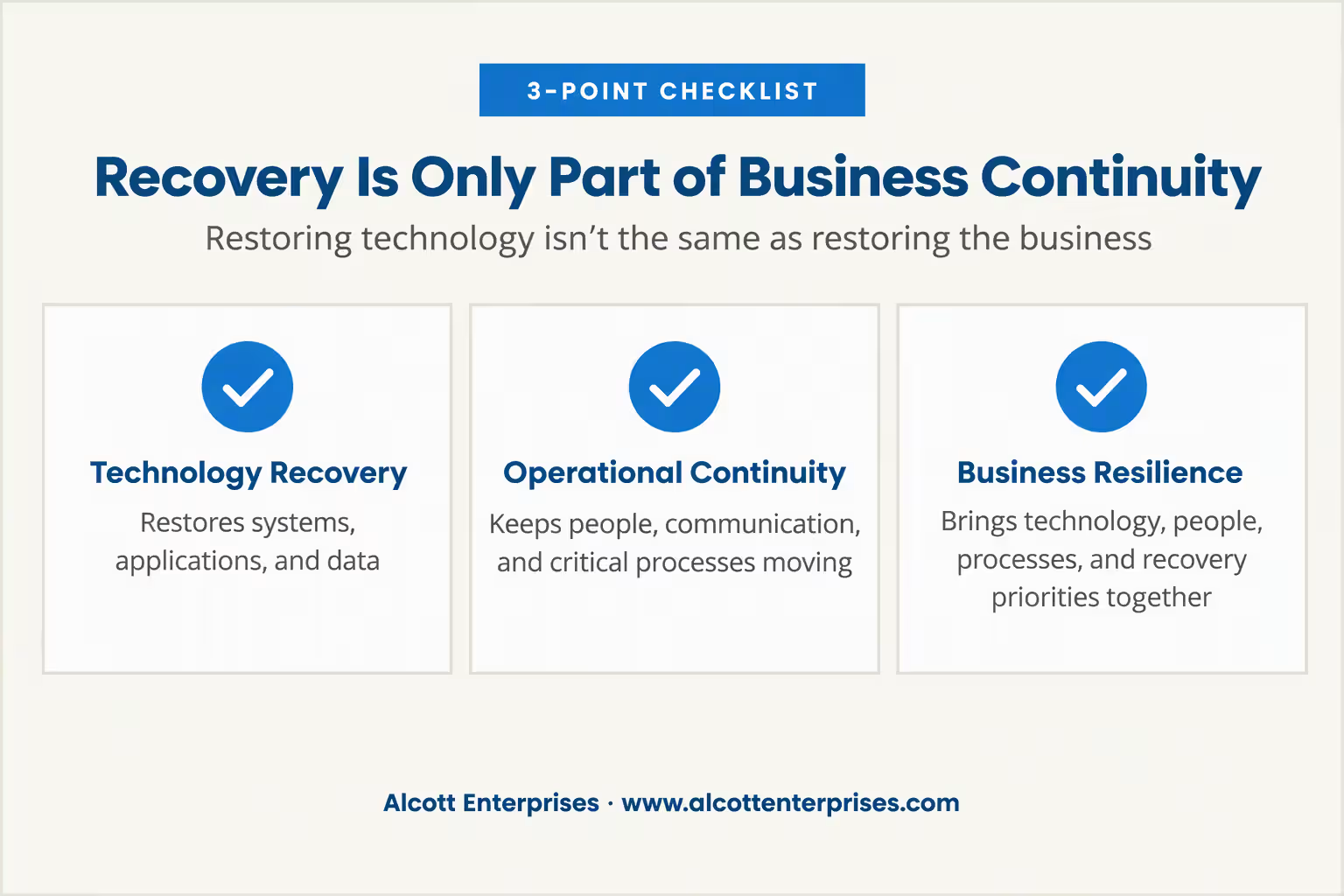
One of the most important distinctions businesses need to understand is the difference between recovering technology and recovering the business. Technology recovery gets your systems running again. Business continuity gets your organization running again.
Backup and disaster recovery are essential parts of a technology strategy, but they are only part of business continuity. Having effective backup and recovery protects the data and systems an organization depends on and provides a path to restoration when something goes wrong.
However, a company could successfully restore its servers, applications, data, and files and still struggle to resume normal operations. Employees may not know what to do next, customers may not know how to reach the company, another system required by the recovered application may remain unavailable, or an important business process may have no documented workaround.
That's the gap between technical recovery and operational recovery. Even successful technical recovery has to be supported by planning for the people and processes that depend on those systems. A complete continuity strategy therefore needs to account for three things together: people, processes, and technology.
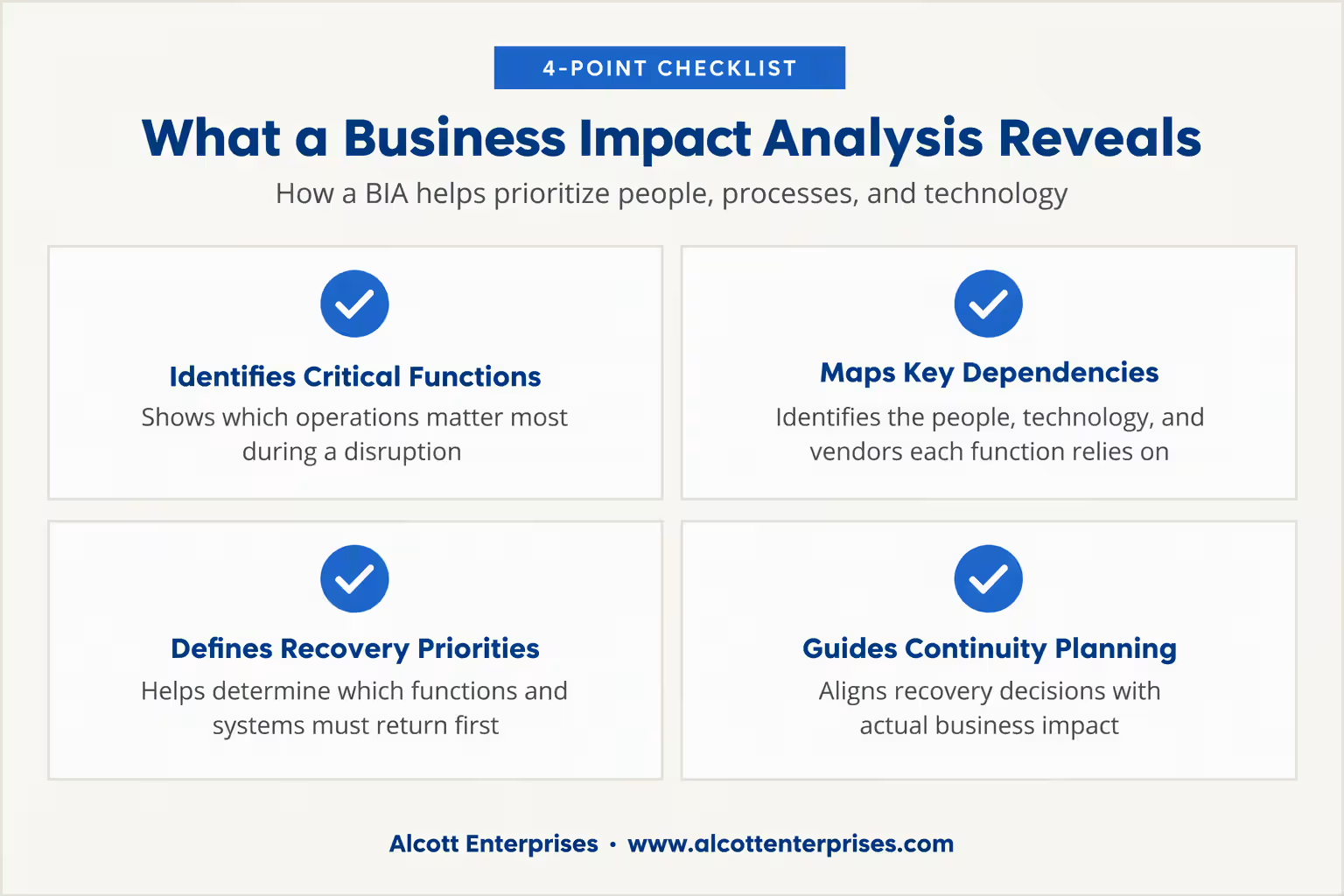
A good place to begin is with a Business Impact Analysis (BIA). Rather than starting with technology, a BIA starts with the business and identifies which functions actually matter most when an interruption occurs.
For each important business function, leadership should understand what the function does, who is responsible for it, which technologies and vendors it depends on, how long the organization can reasonably operate without it, and what the financial or operational consequences become as downtime continues. Businesses should also determine whether a temporary manual process exists and who has authority to activate it.
This exercise often produces surprising results. A system that everyone describes as "critical" might actually be unavailable for eight hours without creating a major business problem, while another seemingly less important service could prevent employees from serving customers within 30 minutes of going offline.
Business continuity planning allows organizations to make those distinctions before an actual emergency forces the decision.
Once critical functions and dependencies have been identified, organizations can establish appropriate Recovery Time Objectives (RTOs). Put simply, an RTO answers the question: How long can we realistically operate without this system or business function?
Not everything should have an RTO of zero. Providing immediate redundancy and recovery for every technology platform would be expensive, difficult to maintain, and unnecessary for most businesses. One organization might determine that its phones should be restored within 30 minutes and its primary line-of-business application within an hour, while tolerating a four-hour interruption in shared files and a full business day without an internal reporting platform.
For organizations with particularly demanding recovery requirements, technologies such as Disaster Recovery as a Service (DRaaS) can also form part of the strategy. A properly designed DRaaS solution can provide additional recovery and failover options for critical infrastructure, but it still needs to be aligned with the organization's actual recovery objectives and business requirements.
There isn't a universal set of correct recovery times. A law firm, architecture company, manufacturer, mortgage business, or veterinary practice may have completely different priorities. The important part is that recovery objectives are based on actual business impact rather than assumptions made during an outage.
Communication is one of the easiest continuity gaps to overlook. If employees depend on Outlook and Microsoft Teams and both are inaccessible, sending an email explaining that Microsoft 365 is unavailable obviously isn't going to solve the problem.
Organizations should maintain at least one communication method that does not rely on their primary productivity platform. Depending on the business, this could be SMS notifications, telephone calls, an emergency phone tree, an independent notification system, a secondary messaging application, or a company status page. Emergency contact information should also be accessible independently of the environment whose failure the plan is supposed to address.
Just as importantly, employees should know which communication channel becomes authoritative during an emergency. Having five alternative communication systems isn't particularly useful if employees don't know which one they're expected to monitor.
Business continuity doesn't always require another technology platform. For some processes, the most practical solution may simply be a documented temporary procedure that allows employees to continue working for a few hours while the primary system is unavailable.
Businesses should consider how employees would operate if they suddenly lost access to email, shared files, their primary line-of-business application, electronic approval processes, cloud phones, or an authentication service. If a critical process can temporarily be completed manually, that process should be documented and employees should know when it is appropriate to use it.
This is an important part of cost-effective continuity planning. The objective isn't necessarily to eliminate downtime. It's to prevent downtime from turning into organizational confusion.

Modern businesses depend on an interconnected collection of technology providers. Microsoft might provide identity and productivity services, another company might provide phones, a separate provider could host the primary business application, and others may handle payments, security, backups, internet connectivity, and other functions.
Those systems aren't always as independent as they appear. A line-of-business application, for example, could be fully operational but inaccessible because employees authenticate to it using Microsoft Entra ID. A cloud phone platform could be functioning normally but still become inaccessible to an office that has lost its internet connection.
A continuity plan should therefore document not only which systems the organization uses, but what those systems depend on. What happens if Microsoft is unavailable? What if the primary internet provider fails? What happens if a phone provider experiences an outage? What if an application is healthy but the identity provider used to access it isn't?
Mapping these dependencies allows the business to understand which individual failures could create much larger operational problems.
Business continuity isn't solely an internal IT concern. Customers may still need assistance even when the systems employees normally use to support them are unavailable.
Organizations should understand what happens if their primary email system, phone system, website, customer portal, scheduling application, payment platform, or collaboration system goes offline. The appropriate response depends on how important that service is to the organization.
For some companies, maintaining telephone support independently of Microsoft 365 may provide an adequate alternative during an email outage. Businesses with more demanding availability requirements may need additional redundancy. There isn't one architecture that fits every organization.
The right question is: What does one hour, four hours, or one business day of downtime actually mean to us?
Business continuity and cybersecurity are closely related, but they solve different problems. A cybersecurity program helps reduce the likelihood and impact of security incidents. A business continuity plan addresses the broader question of how the organization continues operating when important people, facilities, systems, or technology become unavailable.
That distinction is important because not every outage is a cybersecurity incident. A construction accident could damage an internet circuit, a utility failure could affect an office, a wildfire or earthquake could make a facility inaccessible, or a cloud provider could experience a technical failure. The business still needs a plan.
We've covered the security side of preparedness in Why Your Business Needs a Cybersecurity Plan Now, including risk assessments, security controls, incident response, and the relationship between cybersecurity and business continuity.
Together, cybersecurity and business continuity answer two different but equally important questions: How do we reduce the likelihood and impact of an incident, and how do we keep operating when something still goes wrong?
There is another lesson that's easy to overlook during a large provider outage. When employees suddenly lose access to email or another important system, administrators naturally begin troubleshooting. That is appropriate until the organization establishes that the problem is upstream.
Once a widespread provider incident has been identified, making unnecessary changes to authentication, DNS, firewalls, applications, or other configurations can create a second problem that remains after the original provider recovers. An effective incident response process should therefore help distinguish between something that has failed within the organization's environment and a failure at a provider the organization depends on.
During an upstream outage, the role of IT may be to verify the organization's own infrastructure, identify affected dependencies, communicate with employees and customers, monitor authoritative service-health information, and avoid unnecessary changes while the provider restores service. Sometimes the correct technical response really is to monitor, communicate, and wait.

A business continuity plan that has never been tested remains largely theoretical. Organizations should periodically walk through realistic scenarios and see what actually happens.
A simple tabletop exercise could start with one statement: Microsoft 365 will be unavailable for the next eight hours. What do we do? From there, leadership and IT can determine who needs to be notified, how employees will communicate, which operations can continue, which processes move to manual workarounds, how customers will receive updates, and which systems must be restored first.
The same exercise can be repeated with other scenarios. What if the primary internet circuit fails? What if the phone provider goes down? What if the main business application becomes unavailable, employees can't access the office, or the company's identity provider fails?
These exercises often uncover problems that aren't obvious on paper. An emergency contact list might exist but be stored only in Microsoft 365. A backup system might be functioning correctly even though nobody has recently performed a full restoration. A perfectly usable manual workaround might exist, but only one employee knows how to use it.
Those are valuable discoveries when they happen during an exercise rather than during an actual outage.
Business continuity shouldn't become an attempt to build two independent copies of every system a company uses. For most small and midsize businesses, that would be prohibitively expensive and unnecessarily complicated.
Instead, investments should be proportional to business impact. An extremely critical application may justify redundant infrastructure or providers. Another process may only require a four-hour alternative communication method. A less important system might simply have a documented decision that the organization can operate without it for one business day.
This type of prioritization should ultimately become part of the organization's broader IT strategy. Developing a clear technology roadmap can help leadership balance reliability, cybersecurity, business requirements, risk, available resources, and upcoming technology investments rather than evaluating each system in isolation.
That's still a continuity strategy. The key difference is that the decision was made intentionally, with the business impact understood, rather than being made in the middle of an outage.
Technology outages aren't ultimately measured by how long a server, application, or cloud platform was unavailable. They're measured by their effect on business operations.
Downtime can mean employees unable to work, customers unable to reach the company, invoices that don't get sent, missed deadlines, delayed projects, lost transactions, operational backlogs, frustrated customers, and reputational damage. Those consequences may continue even after the underlying technical problem has been resolved.
That's why measuring recovery by "the server is back online" or "email is working again" misses the bigger picture.
A business isn't fully recovered when its technology comes back. It's recovered when it can operate normally again.
This Microsoft outage will eventually become another incident report, but there will be another disruption somewhere. It might involve Microsoft, an internet provider, cloud application, phone carrier, data center, identity platform, cybersecurity company, or another technology provider nobody expected to fail.
The objective isn't to predict which provider will have the next outage. It's to ensure the business already understands how it will respond when something important isn't available.
Effective business continuity planning brings technical recovery, communication, technology dependencies, employees, customers, and business priorities into one strategy. It turns an unexpected technology outage from an improvised emergency into a situation the organization has already considered, prioritized, documented, and practiced.
For business leaders, the best place to start is with one simple question:
If one of our most important technology platforms disappeared tomorrow morning, could we still operate?
If the answer isn't immediately clear, it's time to work on the plan.
You don't need redundancy for every application your business uses. You do need to understand which systems and business processes are truly critical, how long you can operate without them, what they depend on, and what employees should do when they're unavailable.
Alcott Enterprises helps organizations address these issues through Microsoft 365 and digital workspace management, backup and recovery, cybersecurity risk management, and broader IT planning.
If your organization isn't sure what would happen during an extended technology outage, contact Alcott Enterprises to start the conversation.
Not sure how your organization would operate through an extended technology outage? Alcott Enterprises can help you identify critical systems, technology dependencies, recovery priorities, and continuity gaps before the next disruption happens.
[.mspl-button-text]Talk to an IT Expert[.mspl-button-text]
Disaster recovery primarily focuses on restoring technology, applications, systems, and data. Business continuity is broader and considers how the organization continues performing critical functions during and after a disruption, including employees, communications, processes, vendors, facilities, customers, and technology.
No. Backups are an essential component of recovery, but they don't determine how employees communicate during an outage, how the organization prioritizes critical processes, how customers are supported, or what employees should do while technology remains unavailable. Backup and recovery, disaster recovery, incident response, and business continuity should complement one another rather than being treated as interchangeable.
A Business Impact Analysis, or BIA, identifies critical business functions, the people and technologies they depend on, the consequences of downtime, and how quickly each function needs to be restored. That information helps leadership establish practical continuity and recovery priorities.
A Recovery Time Objective, or RTO, represents the targeted amount of time within which a system or business function should be restored following a disruption. Not every system should have the same RTO. Recovery targets should reflect the actual operational and financial impact of the system being unavailable.
For most organizations, an annual review and tabletop exercise provide a reasonable baseline, with additional testing after significant changes to applications, infrastructure, vendors, facilities, personnel, or important business processes. Technical recovery procedures for particularly critical systems may warrant more frequent testing.
Businesses should identify which critical processes depend on Microsoft 365, understand downstream dependencies, maintain at least one independent communication method, establish procedures for extended outages, maintain appropriate backup and recovery capabilities, and make sure employees know where authoritative outage information and company instructions will be communicated.